SHARING PRODUCT CASE INFORMATION
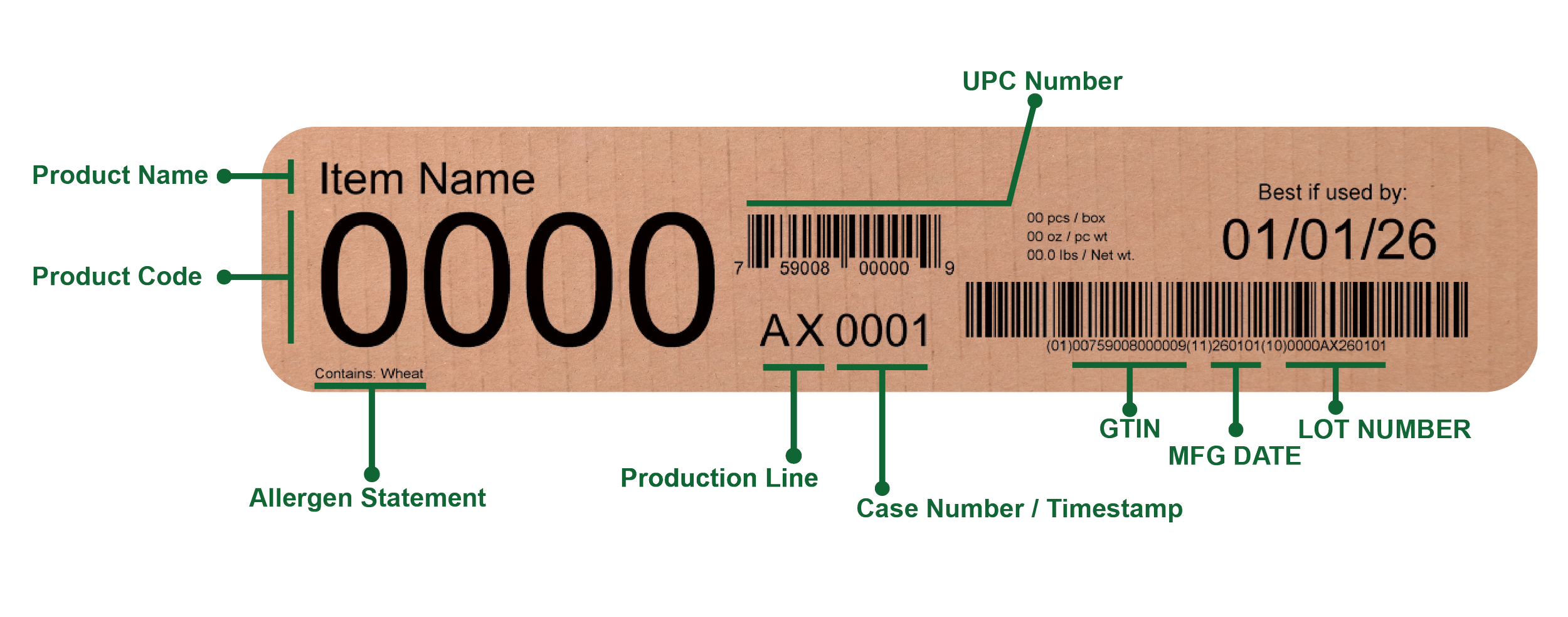
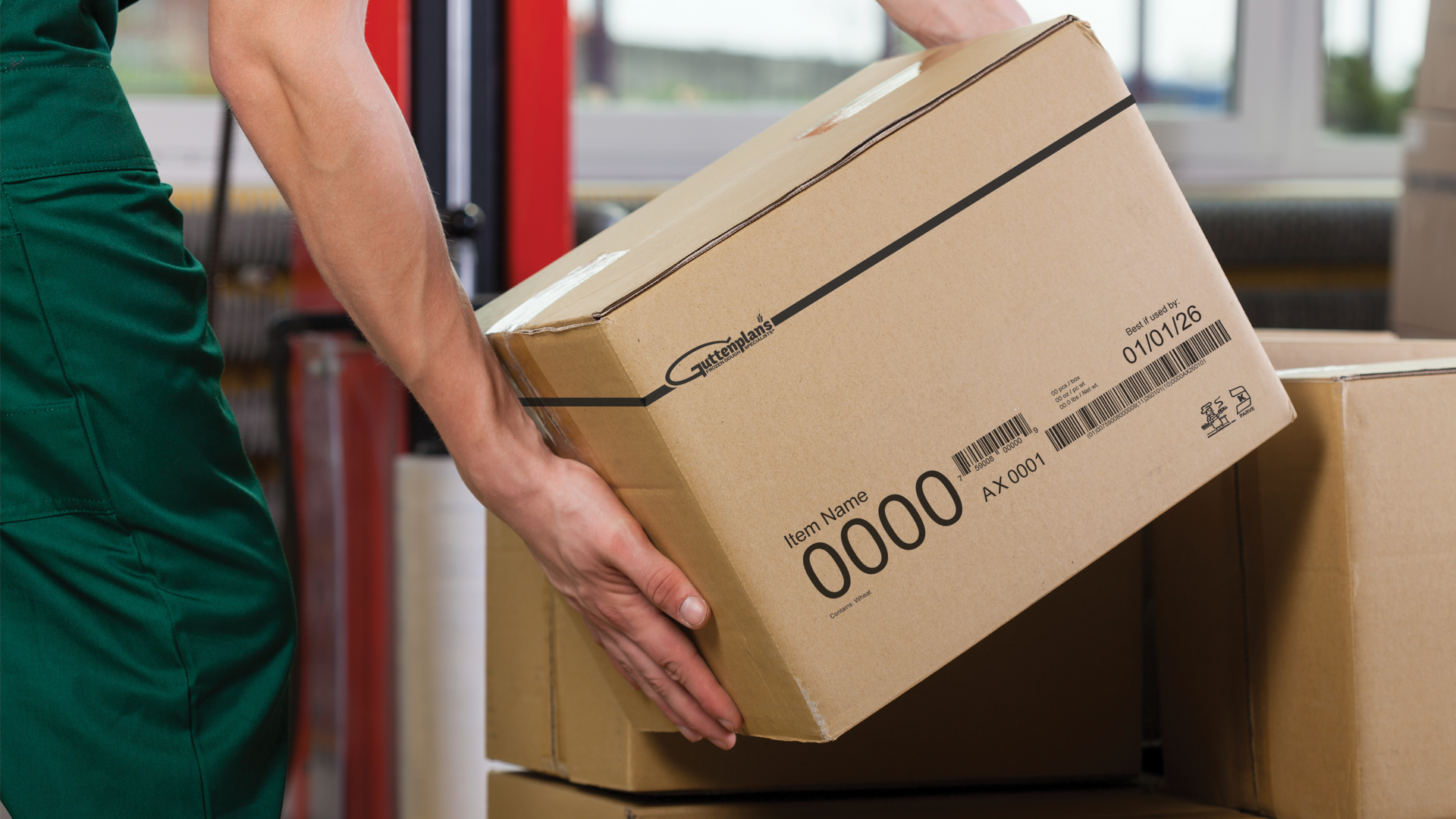
Product case information is located on the exterior of each box. Below is a diagram of how to read the information on your boxes. With this information, we know what day, shift, production line, what employee was working on that line.
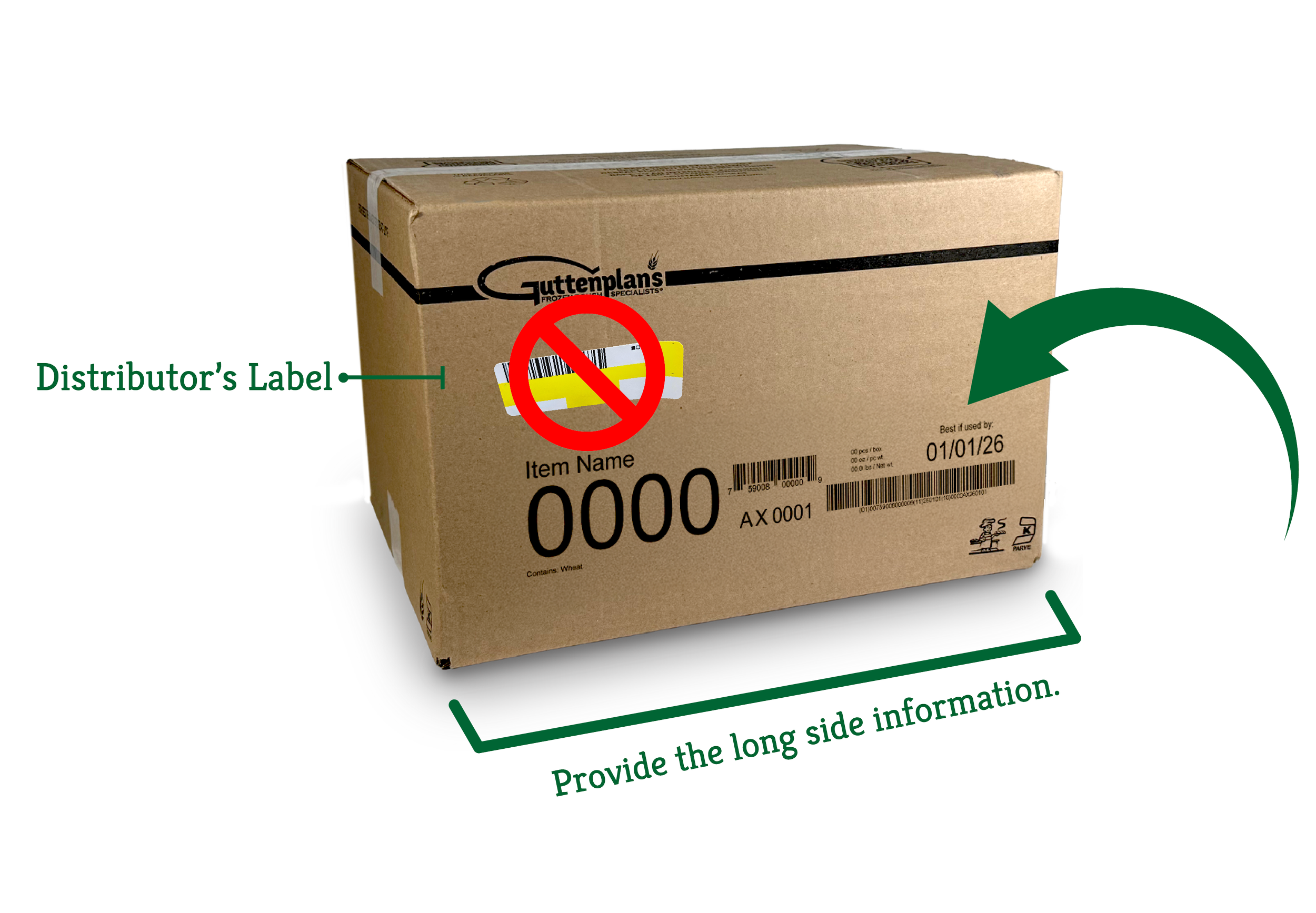
Please be sure to provide the information below and not the distributor’s label, usually found on a sticker.
HOW TO USE THE QR CODE:
We are happy to provide you with everything you need to get started with your dough! Please use the QR codes provided on our Boxes/Cases to quickly learn the best tips and tricks and to view instructional videos for baking your bread to perfection.
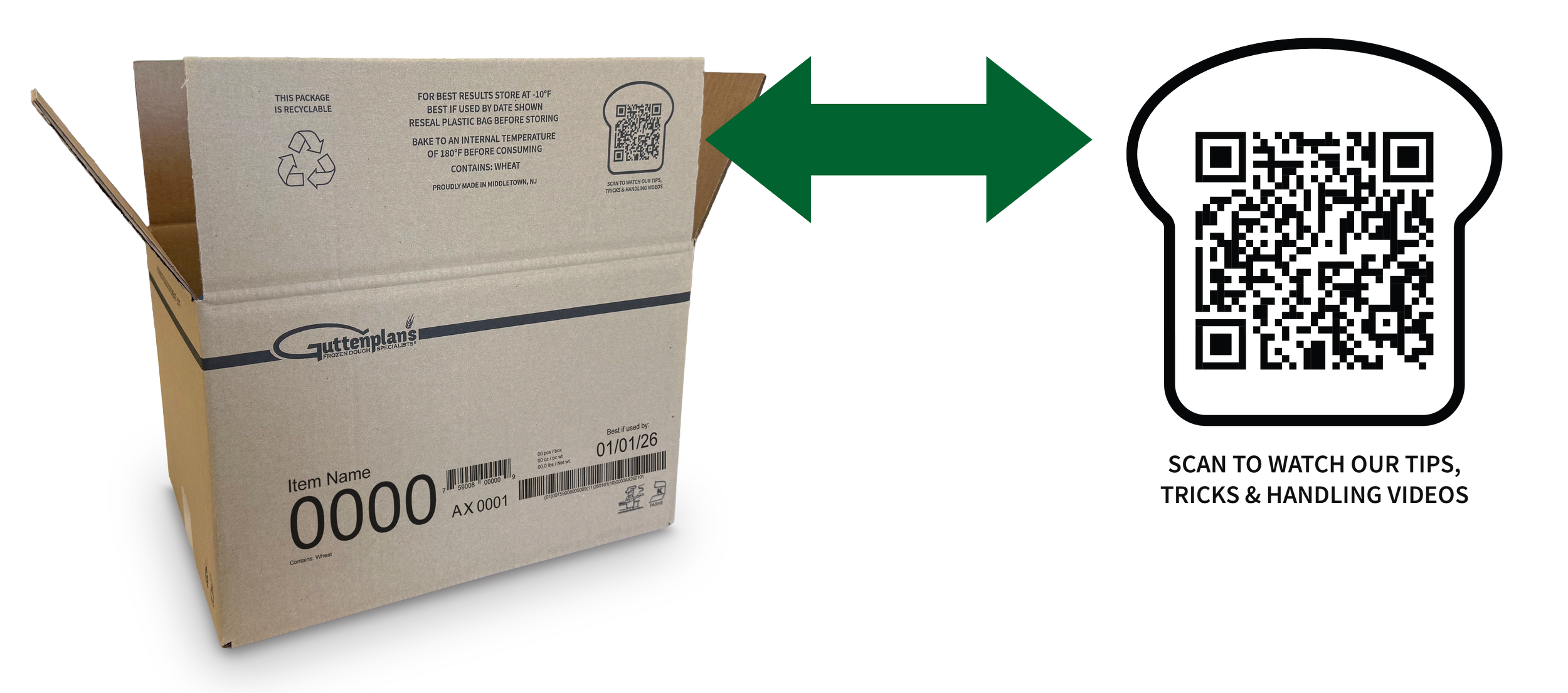
1. Locate QR code on Box/Case or Handling Sheet
2. Using Phone or tablet, scan QR using the camera
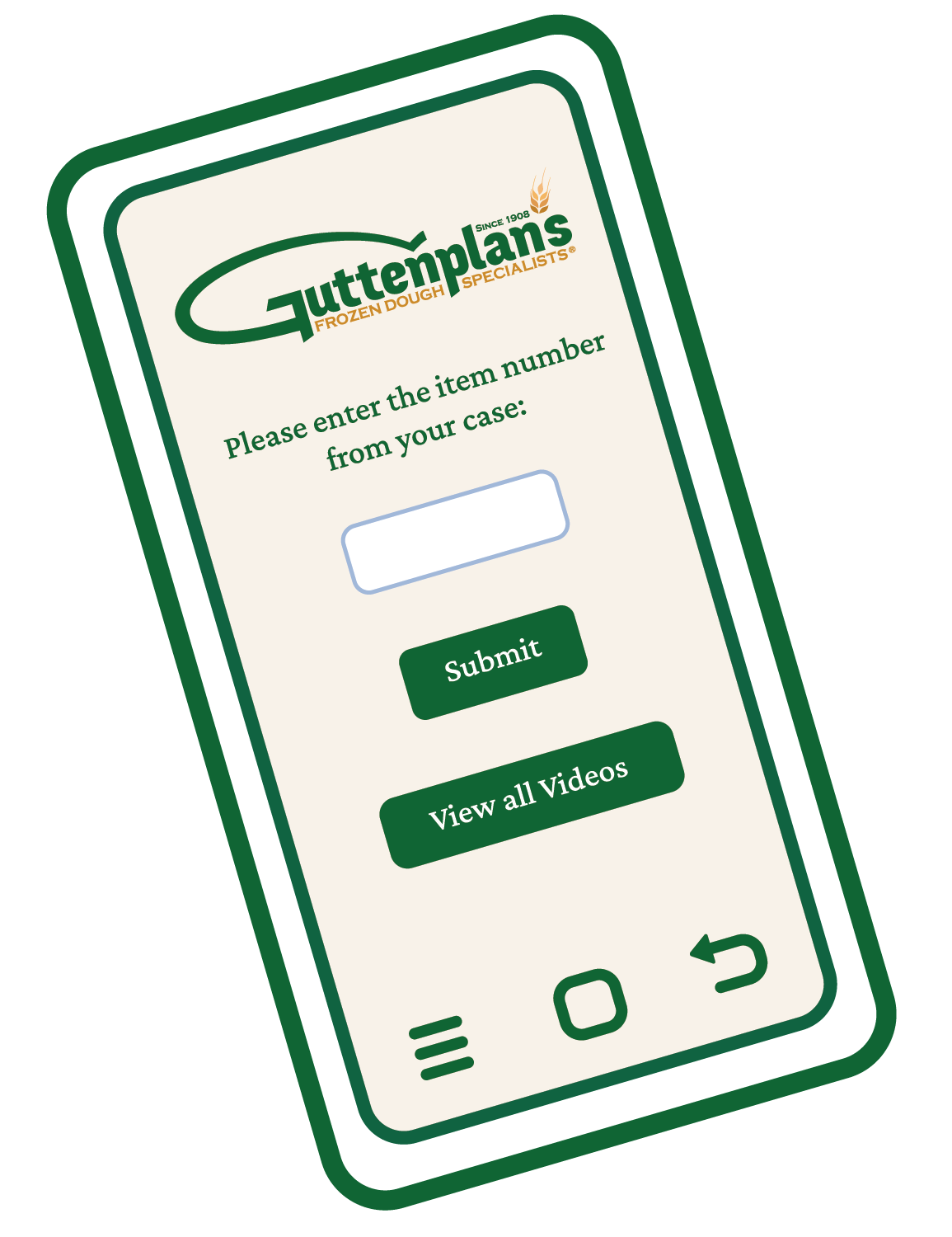
3. Enter Item # in empty field and hit enter on the keyboard
4. Review our library of videos and resources